ShapesXR
Overview
User research case study revealing onboarding challenges in VR prototyping platform. 14 user study.
ShapesXR enables rapid VR prototyping and 3D environment creation compatible with engines like Unity. This research study with 14 users uncovers critical onboarding and tutorial challenges—revealing overwhelming first experiences and inconsistent guidance that hinder user success.
Goal & Objective
Goal
Improve consistency and effectiveness of ShapesXR onboarding and tutorials, making the platform simpler for beginners
Identify issues, develop solutions, optimize platform potential, and create seamless user experiences through user-centric design
User-Centric Research
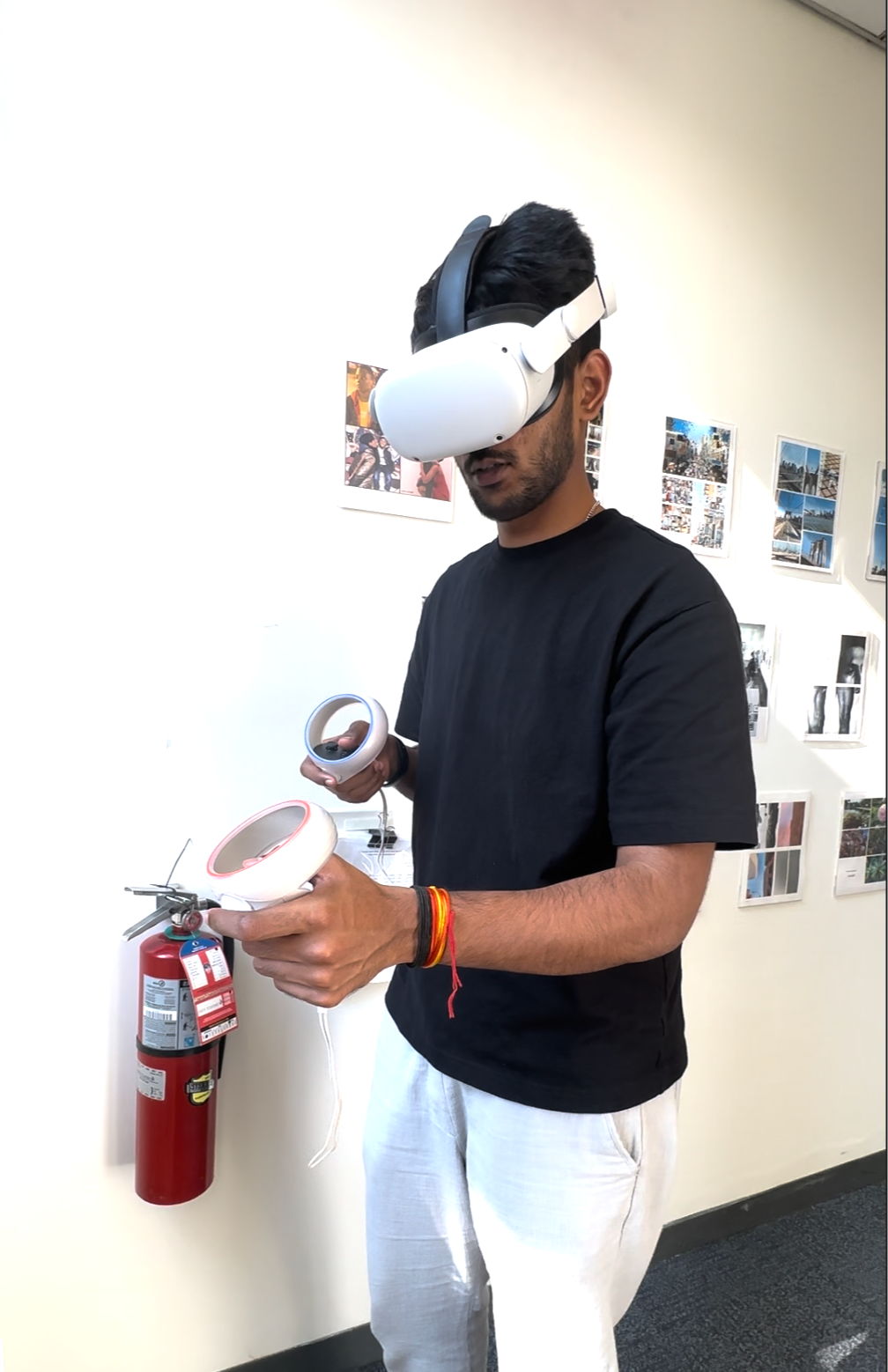
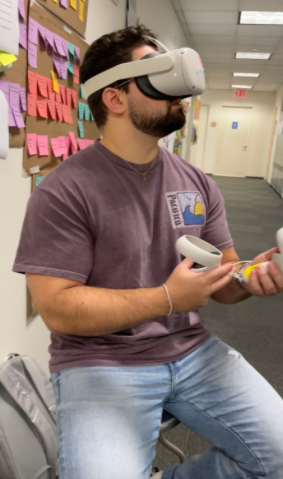
Conducted 9 individual interviews with experienced ShapesXR users, observing behavior during onboarding, design processes, and UI interactions. Participants completed specific tasks—selecting objects, deleting items, using snapping tools—revealing interaction challenges.
Key Contributions

14 Users
Comprehensive study group

Objective
Behavioral Observation
Real-time interaction tracking
Onboarding process overwhelms new users with excessive information
Tutorial content shows inconsistency in guidance and instruction clarity
Users struggle with core tool interactions—selection, deletion, snapping
Gap between platform potential and user ability to utilize features fully

Task Analysis
Documented tool challenges
Key Findings
Ideation Journey
Began with storyboarding onboarding flows and sketching design solutions. Used Figma and Photoshop to develop low-fidelity mockup prototypes addressing identified pain points.
Onboarding Storyboard

The user is greeted with the ShapeXR logo upon entering the environment.
The user will receive a brief introduction on ShapesXR during onboarding
The user selects a hand to interact with after onboarding or skipping the video.
Users can either proceed to the lobby or watch the basic tool tutorial video.
If the user selects "Learn the Basics," they will be directed to a video.
After completing the "Learn the Basics", users can access tutorials and advanced tutorials in the lobby.
Onboarding Storyboard
Documented user interactions during task completion—revealing friction points in object selection, deletion workflows, and snapping tool usage.
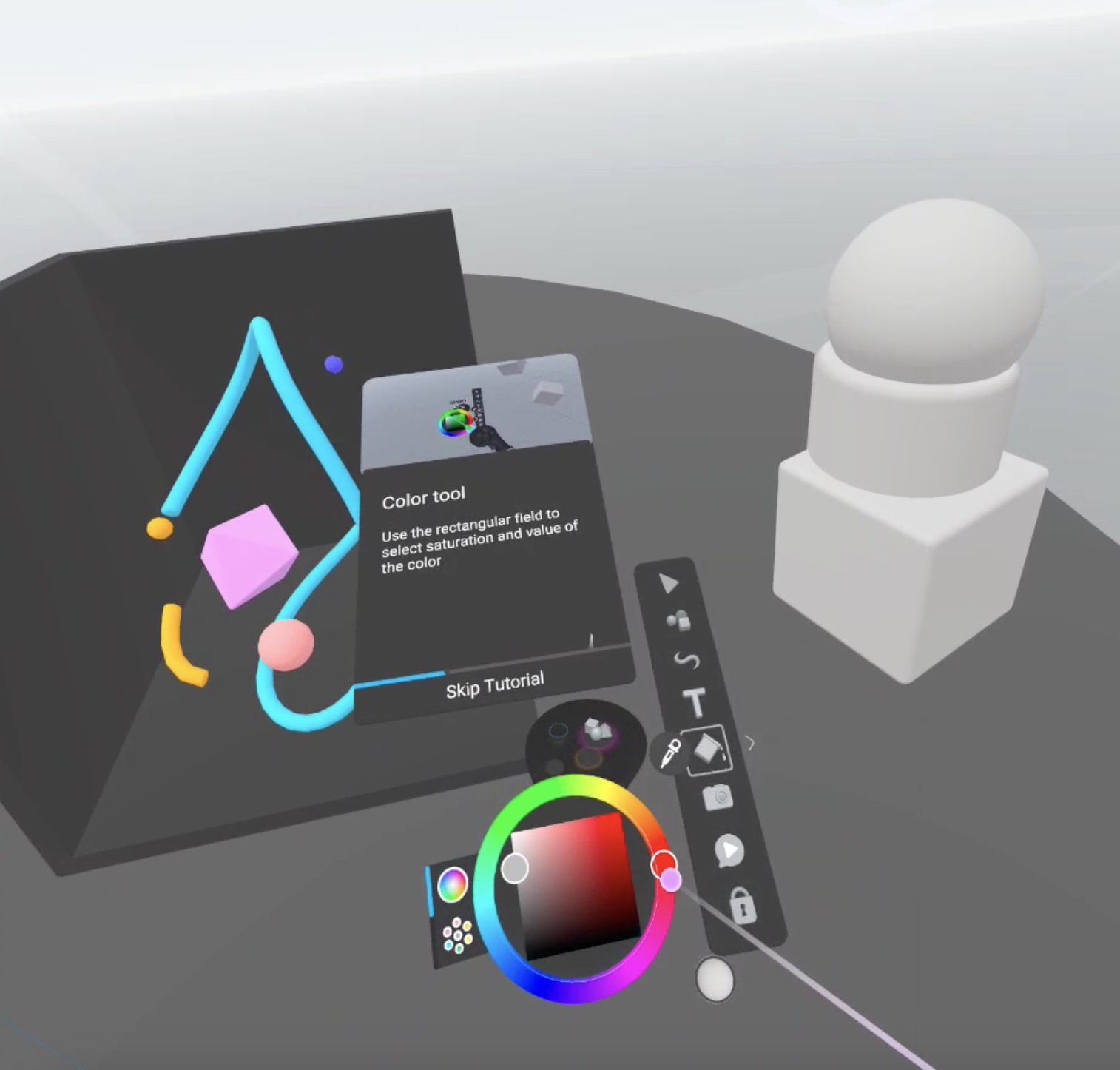
Lobby Design
Design Solutions
Prototypes addressing onboarding complexity and tutorial inconsistencies through streamlined flows and clearer guidance.
Onboarding Tutorial
Learn the Basic Tutorials